WAN Bonding: Combine Multiple Internet Connections

WAN bonding merges several independent internet connections into one logical link. comBOX combines fiber, DSL, 4G/LTE, 5G, Starlink and satellite services into a single Virtual Leased Line, so a site can use the capacity of every link at the same time and keep working when one of them degrades or fails.

TRUSTED BY MSPS, VARS, AND CARRIERS TO POWER BUSINESS-CRITICAL CONNECTIVITY
The definition

What Is WAN Bonding?

WAN bonding is a networking technique that combines two or more wide area network connections into a single logical link. Traffic is split across every active connection and put back together at the other end, so applications see one connection carrying the combined capacity of all of them, and keep running when any individual link degrades or drops.

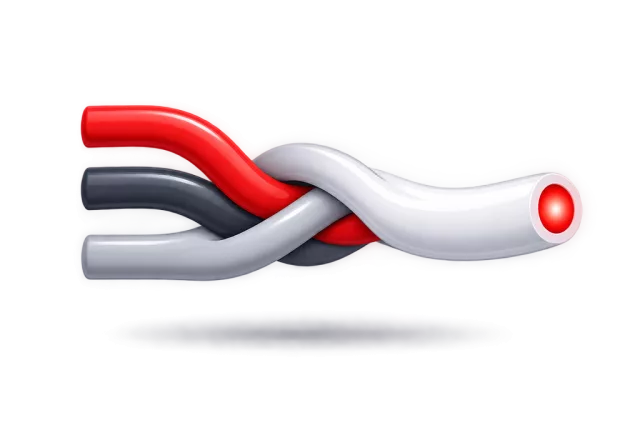
Three separate WAN links braided into one bonded connection
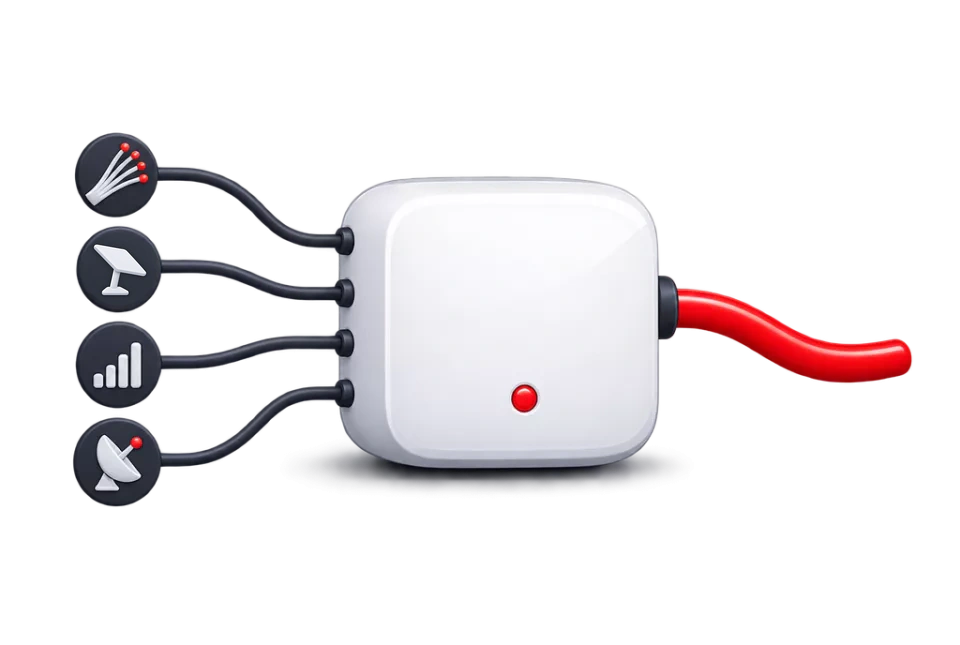
Fibre, Starlink, cellular and satellite links terminating on one comBOX appliance

A wide area network connection is simply the link that joins a site to the outside world. In most buildings there is exactly one: a single circuit from a single provider. When it slows down, everyone on site slows down. When it fails, the site is offline.

Bonding removes that single point of dependency. Several services (fiber, DSL, cellular, satellite) terminate on one device at the edge of the network. That device presents all of them to the LAN as one connection, and distributes traffic across them continuously rather than choosing one and holding it.

Because the distribution happens beneath the application, nothing on the network has to be aware of it. Users, servers and cloud services see a single gateway and a single public IP address.

Several separate connections

Independent links, used one at a time

  • Each connection has its own public IP address and its own routing.
  • A given session lives on one link, so a single transfer or call is limited to that link’s speed.
  • Moving to another link usually means the session restarts.
  • Spare capacity on the other connections sits unused.
One bonded connection

All links active, presented as one

  • The bonded link has one identity towards the internet, regardless of how many services feed it.
  • A single session can be carried across several links at once, so it is not capped by the slowest one.
  • If a link fails, its traffic is redistributed over the remaining links.
  • Every connection contributes to the pool instead of standing by.

Aggregated bandwidth

The bonded link pools the throughput of every connection attached to it. Because packets from one session can travel over several links at once, large transfers and single high-bandwidth streams are not confined to the capacity of one circuit.

Active-active connectivity

Every link carries production traffic all of the time. There is no standby circuit waiting for an outage, so nothing has to be detected, switched and re-established before the second connection starts being useful.

Network redundancy

Independent services from different providers and different access technologies rarely fail together. Spreading traffic across them means a fault in one provider’s network, or one access medium, does not take the site offline.

Stability and business continuity

Bonding is designed to absorb the ordinary bad behaviour of commodity internet services (loss, jitter and brief interruptions), so that voice, video, VPN and cloud applications stay usable rather than merely reachable.

The mechanics

How Does WAN Bonding Work?

Bonding is done by a pair of endpoints. One sits at the customer site, the other sits in the provider network. Everything between them can be any mix of internet services, because the two endpoints, not the carriers, are responsible for holding the connection together.

Scroll sideways to see the whole diagram

comBOX WAN bonding architectureDevices on the customer LAN connect to a comBOX appliance. The appliance distributes packets across four independent internet services (fiber, VDSL, 5G and Starlink), which all carry traffic at the same time. The packets converge on a comBOX network server in the nearest point of presence, where they are reassembled in order and forwarded to the internet, cloud platforms and head office. The four links together form one bonded Virtual Leased Line.FiberVDSL5GStarlinkCustomer LANUsers, servers,phones, camerascomBOX applianceSplits traffic into packetsacross every live linkcomBOX networkserverReassembles the packetsin the right orderInternetCloud, SaaS, HQCUSTOMER SITENEAREST comBOX PoPOne bonded Virtual Leased Line
Packets from the same session leave the site over several links at once and are put back in order at the comBOX network server, so the LAN sees one connection rather than four.
  1. Several independent WAN services arrive at the site

    Any mix of access technologies can be used, from different providers: fiber, VDSL, fixed wireless, 4G/LTE, 5G, Starlink or VSAT. They stay exactly as the carriers delivered them: no special circuit, no carrier co-operation and no change of contract is required.

  2. A comBOX appliance is placed at the edge of the network

    The appliance sits between the customer LAN and the WAN modems or routers and becomes the site’s internet gateway. It is available as a hardware appliance or as a virtual appliance on approved platforms, so it can fit a rack, a cabinet at a remote site, or an existing virtualisation host.

  3. Traffic is distributed at the packet level

    This is the step that separates bonding from every kind of per-session steering. Rather than choosing one link for a connection and keeping it there, the appliance decides link by link, packet by packet, using continuously measured utilisation of each path. One file transfer, one video call or one backup job can therefore occupy several links simultaneously.

  4. The packets cross the comBOX Virtual Leased Line

    All of the links terminate on the same remote endpoint: a comBOX network server provisioned for that deployment in the nearest data centre inside the comBOX global private backbone. The set of links plus that endpoint is what forms the Virtual Leased Line.

  5. The network server reassembles the stream

    Packets that took different paths, and therefore arrived with different delays, are re-ordered into the original stream. comBOX also applies its WAN optimization here, including a performance enhancing proxy that improves TCP behaviour over links with high latency or packet loss.

  6. One connection is delivered, in both directions

    From the internet’s point of view the site is reached through the comBOX network server and keeps a single public IP address. Return traffic is split across the same links on the way back, so the aggregation and the resilience apply to downloads as well as uploads.

Why it matters

Benefits of WAN Bonding for Businesses

What changes for a business when several ordinary internet services are bonded instead of being bought, installed and used separately.

Increased bandwidth

Every active link contributes to the throughput available to the site. Because distribution happens per packet, that capacity is available to a single heavy session as well as to many small ones, which is what makes bonding useful for backups, file sync and video, not just for busy offices.

Improved reliability

A site stops depending on one provider, one technology and one physical path. comBOX recommends combining connections from different ISPs and different access types precisely so that the causes of downtime are not shared between them.

Session continuity

comBOX uses a smart, transparent failover mechanism: when a link fails its traffic is rerouted over the remaining connections without a change of public IP address, so established sessions are designed to survive rather than restart. The faulty link is isolated until it recovers.

Connection flexibility

Access technologies can be mixed freely and are chosen for what is actually available at each address. A branch might bond fiber with 5G, a vessel might bond VSAT with Starlink and cellular, and a temporary site might run entirely on wireless services. The bonding layer does not care which combination it is given.

Business continuity

Point-of-sale, ERP, VoIP, video conferencing, remote access and cloud storage now fail together when connectivity fails. Keeping the connection usable through partial outages is what keeps the rest of the business running. For sites with a legal or safety obligation to stay reachable, it is not optional.

Network scalability

Capacity is added by adding another internet service and attaching it to the existing bond, rather than by upgrading a single circuit and waiting for the carrier. comBOX places no restriction on the number or type of bonded connections, so a deployment can grow as a site’s demand grows.

Bonding reduces the impact of a single link failing; it does not make a site immune to every failure. Results depend on the quality of the underlying services, the site’s power and cabling, the deployment configuration and the comBOX service selected. Combining links that share a single provider, an exchange or a mast reduces the benefit, because those links can fail together.

The most common confusion

WAN Bonding vs Load Balancing: What’s the Difference?

Both put several internet connections behind one gateway. The difference is the unit of work they distribute. That single design decision is what determines whether a session can exceed one link, and whether it survives a link failing.

Session-based load balancing

One session, one link

A load balancer decides once, when a session starts, which connection it will use, then keeps it there. Many routers do this well, and for a site whose traffic is lots of small independent sessions it spreads load sensibly.

  • A single download, upload or video call is limited to the capacity of the one link it landed on.
  • Aggregate capacity is only reached when enough simultaneous sessions happen to be spread evenly.
  • Each link has its own public IP address, so sessions are visibly tied to a particular path.
  • When a link drops, the sessions on it are broken and have to be re-established on another link.
  • Sticky rules are often needed for services that track the source IP address.
Packet-level WAN bonding

One session, every link

Bonding distributes individual packets rather than whole sessions, and reassembles them at a remote endpoint. The decision is made continuously, from live measurements of each path, instead of once at the start.

  • A single session can occupy several links at once, so one transfer is not capped by one circuit.
  • Spare capacity anywhere in the bond is usable immediately, whatever the traffic mix looks like.
  • The bonded connection presents one public IP address, held at the comBOX network server.
  • If a link fails, its share is redistributed over the remaining links and sessions are designed to continue.
  • No stickiness rules are needed, because the far side of the bond never changes.

Scroll sideways to see the whole diagram

Session-based load balancing compared with packet-level bondingOn the left, three separate sessions are each pinned to one of three links, so each session can only use the capacity of its own link and spare capacity on the other links is unavailable to it. On the right, the packets of a single session are spread across all three links at the same time, so that session can use the combined capacity.Session-based load balancingPacket-level WAN bondingSiteInternetSiteInternetSession ASession BSession CEach session is pinned to one link and capped by itOne session, spread packet by packet over every link
The same three links, used two different ways. Load balancing decides once per session; bonding decides continuously, per packet.

Side by side

How the two approaches behave, feature by feature. The middle column describes classic session-based load balancing; policy-based routing in an SD-WAN behaves similarly at the session level, though it chooses the link from rules rather than from a rotation.
BehaviourSession-based load balancingcomBOX packet-level bonding
Unit that is distributedA whole session, chosen when it startsIndividual packets, decided continuously
Throughput of a single sessionLimited to the one link it was placed onCan draw on several links at the same time
Use of spare capacityDepends on how sessions happen to be spreadAvailable to whatever traffic needs it
Public IP addressOne per WAN linkOne, held at the comBOX network server
Effect of a link failingSessions on that link break and must restartTraffic is rerouted over the remaining links; sessions are designed to continue
Loss and latency handlingLeft to the individual link and to TCPTCP acceleration, forward error correction and QoS applied across the bond
Remote endpoint requiredNo, the router acts aloneYes, a comBOX network server completes the path

Products differ. Some SD-WAN platforms include per-packet techniques for selected traffic, and some load balancers add duplication for real-time flows. The comparison above is between the two architectures, not between specific vendors’ products.

Backup line or bonded links

WAN Bonding vs Failover

A backup internet connection is the traditional answer to downtime: keep a second service in reserve and switch to it when the first one stops. It works, but only after something has already gone wrong, and only if the failure is complete enough to be detected.

Active-passive: the standby connection

In a failover design one link is live and the other waits. The business pays for both but uses one, so the money spent on the backup service buys nothing on an ordinary day. When the primary fails, the router detects it, switches, and every session that was open at that moment is torn down: VPN tunnels reconnect, calls drop, file transfers restart, and users notice.

Failover is also poor at partial failures. A link that is up but losing packets, or has collapsed to a fraction of its normal speed, often looks healthy enough to keep using, which is the situation staff describe as the internet is working, it is just unusable.

Active-active: the bonded links

Bonding keeps every service in production simultaneously. Nothing has to be detected before the second link becomes useful, because it was already carrying traffic. When one link degrades or fails, its share of the load moves to the others and the bonded connection keeps the same public IP address, so sessions are designed to survive rather than restart.

The practical consequence is that the second connection earns its cost every day: it adds capacity when everything is healthy, and it absorbs the load when something is not.

Link utilisation under failover compared with bondingWith failover, the fiber link carries all of the traffic while the 5G backup sits idle, and a failure forces a switch that restarts open sessions. With bonding, fiber, 5G and Starlink each carry part of the traffic at the same time, so the combined capacity is larger and a failure on one link is absorbed by the others.Failover: active-passiveFiber5G backupOne link carries everything; the backup earns nothinguntil the day it is needed, and then sessions restart.Bonding: active-activeFiber5GStarlinkEvery link contributes, and covers for the others.IDLE

Access technologies

Combine Fiber, 5G, Starlink and More

comBOX is carrier-agnostic: the bond is built from whatever services are available at the address, from any providers, in any combination. These are the connection types comBOX supports today.

Fixed line

Fibre broadband (FTTH)
High capacity and low latency where it is available, usually the anchor link in a bond.
Fibre leased lines
Symmetrical and contended-free, often bonded with cheaper services to add capacity without a second leased line.
VDSL / ADSL
Widely available copper services; several of them bonded together turn modest circuits into a usable business connection.

Wireless and mobile

5G
Fast to install and often the quickest way to add real capacity to a site that cannot get more fixed line.
4G / LTE
Near-universal coverage; multiple cellular links from different operators can form an entire bond on their own.
Starlink
Low-earth-orbit satellite with far lower latency than traditional VSAT, well suited to bonding with cellular at remote sites.

Specialist and remote

Microwave leased lines
Point-to-point wireless capacity where digging fibre is impractical or too slow to arrange.
VSAT
Geostationary satellite for locations with no terrestrial option; bonding plus TCP acceleration helps offset its latency.
WiFi links
Wireless links into a nearby building or campus network, used as an extra path where one exists.

Why mixing providers and technologies matters

Two connections are only independent if their failures are. Links from different ISPs, over different media, following different physical routes out of the building, tend to fail for different reasons: a fibre cut, a mast outage, a rainstorm or a provider’s core problem rarely affect all of them at once. comBOX recommends this diversity because it is what turns several links into genuine redundancy.

You can see every connection type comBOX supports, including the specifics of Starlink and cellular deployments.

Watch for shared failure points. Services that look separate on paper often are not. Two broadband circuits from different providers may ride the same wholesale network and the same exchange; two mobile SIMs may sit on the same mast; every link in the building may pass through one duct, one patch panel and one UPS.

When links share infrastructure they can fail together, and the bond is only as diverse as its weakest shared dependency. Worth checking at survey time, before the design is fixed.

Where it is deployed

WAN Bonding for Business-Critical Connectivity

Bonding is bought where the cost of being offline is obvious and where a single good circuit either is not available or is not enough. These are the environments comBOX and its partners deploy into.

A remote worksite cabin at dusk with a flat satellite terminal on the roof and a cellular antenna mast alongside, a location where WAN bonding combines satellite and cellular links
Sites with no fixed line at all can still run a bonded connection built entirely from satellite and cellular services.

Maritime and offshore

Vessels move between coverage areas and have no fixed line at all. Bonding VSAT, Starlink and cellular keeps crew welfare, navigation data and operational reporting working as the available links change with position and weather.

Satellite link bonding

Remote and rural locations

Quarries, farms, field offices and sites in underserved regions are often offered one poor circuit or none. Several wireless services bonded together produce a connection that is both faster and more dependable than any of them alone.

LTE / 5G bonding

Branch and multi-site networks

Retail outlets, clinics and regional offices need leased-line behaviour on a branch budget. Bonding commodity services at each site raises capacity and keeps card payments, ERP and VoIP working when one provider has a bad day.

VDSL bonding

Hotels and hospitality

Guest wifi, property management systems, booking platforms and staff operations share one connection, and guest expectations are set by what people have at home. A hybrid bond adds capacity at peak occupancy and keeps the property trading when a link fails.

Hybrid internet access

Temporary and mobile sites

Construction compounds, outside broadcasts and events need working connectivity in weeks or days, long before a carrier could deliver a circuit. Bonded cellular and satellite can be installed quickly and removed when the site closes.

Supported connections

Distributed enterprise and finance

Banks, logistics operators and other organisations running hundreds of sites need consistent, centrally managed connectivity rather than a different local arrangement at every address, with the resilience their regulators and customers expect.

Read the multi-site banking example

The comBOX implementation

How comBOX Delivers WAN Bonding

comBOX implements WAN bonding as a fully managed service called the Virtual Leased Line. The name describes the outcome: the behaviour of a leased line, assembled from ordinary internet services and a private backbone rather than from a dedicated circuit.

Two endpoints and a backbone

A comBOX network appliance is installed between the customer LAN and their WAN modems or routers, where it becomes the site’s secure internet gateway and distributes packets across every connected link. It is available as hardware or as a virtual appliance on approved platforms.

Each deployment is paired with a comBOX network server, a managed cloud endpoint provisioned in the data centre nearest the customer, inside the comBOX global private backbone. That server is the remote aggregation point: it reassembles the traffic, holds the public IP address and applies the optimization that makes commodity links behave better than they would on their own.

Because comBOX operates both ends and the network between them, capabilities such as end-to-end quality of service and same-IP failover are possible at all. None of them can be delivered by equipment at the customer site working alone.

Delivered through partners

comBOX services are sold and supported by its partner network rather than direct. Service bundles are available in tiers, with custom profiles where a deployment needs something specific, and the technology features are modular so a solution can be assembled around what the site actually requires.

Read the full technical detail on the Virtual Leased Line technology page, or see where the aggregation servers are located on the global private backbone page.

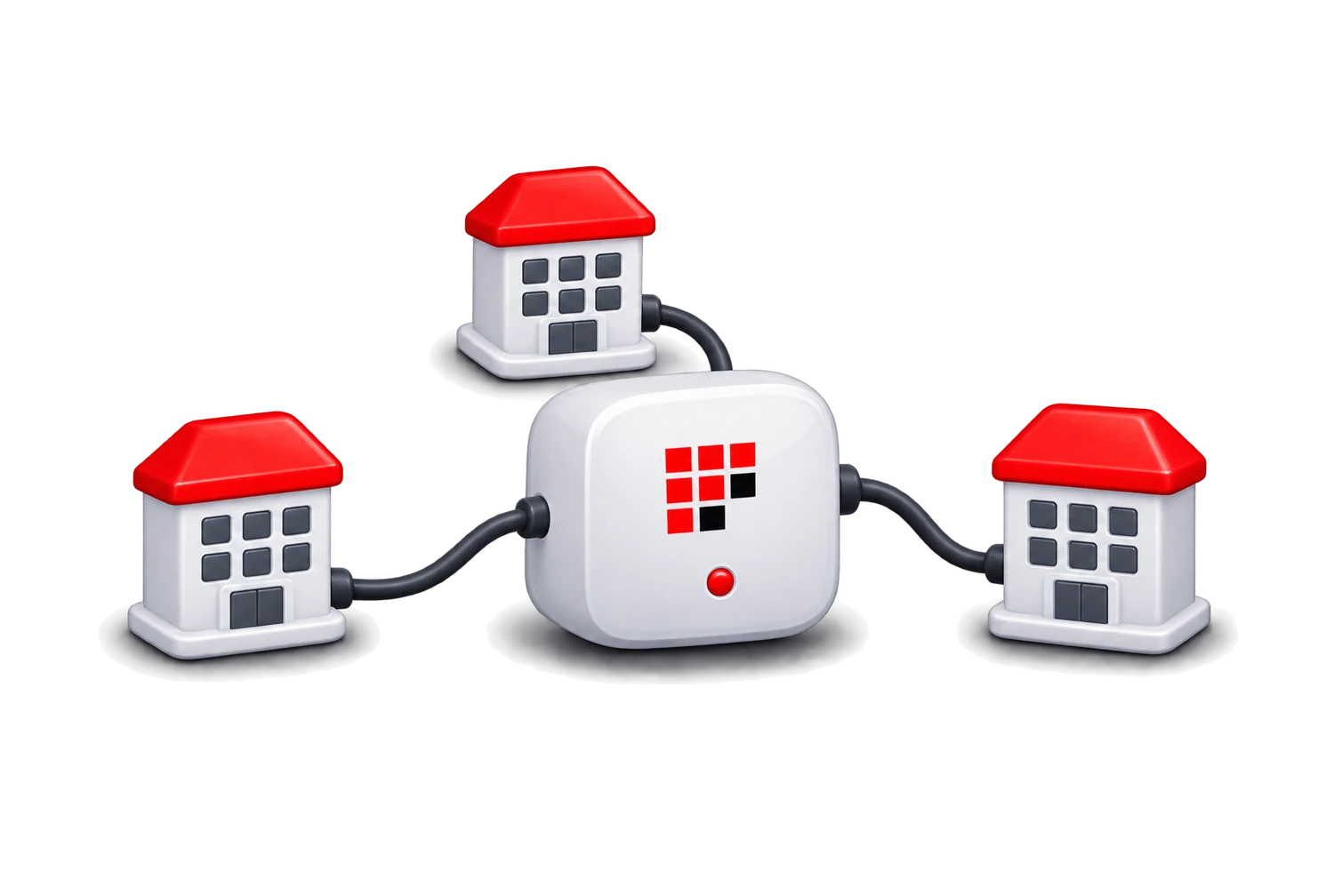
comBOX appliance connected to a network of partner locations

Capabilities that make up the service

Packet-level bonding

Traffic is split across all active WAN links and reassembled at the network server, so aggregate capacity is available to single sessions.

Smart, transparent failover

Failed links are isolated and their traffic rerouted over the rest without changing the public IP address, so sessions are not interrupted.

Forward error correction

Real-time traffic can be duplicated across the two best links, with whichever copy arrives first being used, for voice and video over lossy paths.

TCP acceleration

A performance enhancing proxy splits TCP sessions and applies modern congestion control and loss recovery, aimed at high-latency and congested links.

End-to-end QoS

Bidirectional prioritisation and bandwidth allocation per traffic type, enforced across the whole bond rather than on one link at a time.

Hardware failover cluster

Two appliances can be configured as a high-availability cluster so the appliance itself is not a single point of failure.

Policy-based and transparent routing

Specific traffic can be directed down chosen paths, and the appliance can be introduced without redesigning the existing network.

Multi-ISP by design

No restriction on the number or type of bonded links, and no dependency on a single provider’s network or co-operation.

Centralised management

Service management and monitoring for every deployment from one place, which is what makes the model workable across many customer sites.

Which of these features apply to a given deployment depends on the service bundle selected, the appliance used and the site’s configuration. Throughput, latency and availability depend on the underlying internet services: bonding improves how they are used, it does not change what the carriers deliver.

For MSPs, VARs and carriers

Deliver WAN Bonding Services to Your Customers

comBOX sells through partners. The appliance, the network servers and the backbone are operated by comBOX; the customer relationship, the service wrapper and the billing stay with you, including under your own brand if you want it that way.

For a managed service provider, bonding answers a question customers already ask: our internet is not good enough and there is nothing better available here. It is a service you can offer at addresses where you currently have no answer at all.

  • Offer managed WAN connectivity as a subscription service rather than selling on someone else’s circuit, with comBOX handling the technology and the backbone behind it.
  • Work with any provider your customer already has, or any you can source locally: bonding is carrier-agnostic, so you are not tied to one wholesale relationship.
  • Serve sites you currently have to decline, including remote, maritime and temporary locations where no single service is adequate.
  • Cover customers across multiple locations with one consistent service and centralised management, instead of a different local arrangement per site.
  • Extend an existing portfolio: connectivity sits naturally alongside managed IT, security, VoIP and cloud services you already sell.
  • Package it your way, using tiered bundles or a custom service profile designed around a specific customer or vertical.

Questions we are asked

WAN Bonding Frequently Asked Questions

What is WAN bonding?

WAN bonding, also known as broadband bonding, internet bonding or bandwidth aggregation, combines two or more internet connections into one logical link. Traffic is divided across all of them and recombined at the far end, so the site gets the pooled capacity of every connection and stays online when one of them has a problem.

How does WAN bonding work?

An appliance at the customer site spreads outgoing packets across every live connection, and a server in the provider network puts them back into order before forwarding them on. Return traffic is split the same way. Because both ends of the path are controlled, the two can coordinate on which link to use next, which is what a router on its own cannot do.

Can WAN bonding combine two internet connections?

Yes, and two is a common starting point, typically one fixed line plus one wireless service. There is no upper limit imposed by the technology, and links can be added later to an existing bond as demand grows. The connections do not have to be the same type, the same speed or from the same provider. If you are not sure which mix suits your site, the Connection Advisor can suggest one.

Does WAN bonding increase internet speed?

It increases the bandwidth available to the site, because every connection contributes at once, and because distribution happens per packet, a single large transfer can use more than one link. It does not increase the speed of any individual circuit, and it cannot make a link faster than the carrier provisioned it. Latency is a separate matter: bonding does not reduce the physical delay of a path, although comBOX applies TCP acceleration and forward error correction to improve how applications behave over slow or lossy links.

What is the difference between WAN bonding and load balancing?

Load balancing assigns each session to one link and leaves it there, so a single transfer can never exceed that link and a failure breaks the sessions using it. Bonding distributes packets rather than sessions, so one session can span several links and a failure is absorbed by the rest. The comparison above sets the two side by side.

What happens when one bonded internet connection fails?

comBOX isolates the failed link and redistributes its traffic over the connections that remain. Because the bonded connection keeps the same public IP address throughout (it belongs to the comBOX network server, not to any one circuit), established sessions are designed to continue rather than reconnect. Available bandwidth drops by roughly what that link was contributing, so a bond should be sized with that in mind for the traffic that genuinely must keep working.

Can you bond Starlink and 5G?

Yes, it is one of the most common combinations, particularly at remote and mobile sites, and it is a good pairing because the two fail for unrelated reasons. Starlink can be affected by obstructions and weather while cellular is affected by congestion and coverage, so one is usually usable when the other is not. Both appear on the supported connections list.

Does WAN bonding require special hardware?

It requires a bonding endpoint at the site, but that can be a comBOX hardware appliance or a virtual appliance running on an approved platform. The existing modems and routers stay as they are, and the carriers do not need to be involved or even aware. The other endpoint is the comBOX network server, which is part of the service rather than something the customer installs. See the network appliances page for the available options.

Is WAN bonding suitable for remote locations?

Remote sites are one of the strongest cases for it, because they are exactly where a single adequate circuit is unavailable. A deployment can run entirely on wireless and satellite services with no fixed line at all, which also makes it quick to install and straightforward to remove when a temporary site closes.

What is the difference between WAN bonding and SD-WAN?

They solve overlapping problems at different layers. SD-WAN is primarily about policy: choosing which path a given application or session should take, and managing that centrally across many sites. Bonding is about the path itself: making several links behave as one, below the level at which applications are steered.

The two are not mutually exclusive, and some SD-WAN platforms include per-packet techniques for selected traffic. The practical question for a specific product is whether a single session can exceed one link, and whether that session survives the link failing. comBOX compares the approaches in detail on its SD-WAN vs VLL page.

More questions about deployment, commercial models and support are answered in the comBOX partner FAQ.